
Your shop's daily work. All in one place.
Less time managing records. More time running your shop.
Bisro brings khata, billing, stock, cashbook, reports and staff records together in one simple app. Chinni AI is there to help with everyday shop tasks.
- Works in Telugu, Hindi and English
- Free to download


Running a shop means handling a hundred small things every day.
Remember who owes what, without searching through pages.
Customer balances and payments get hard to follow when they're written in different notebooks.
How the khata works →Prepare bills without slowing down the queue.
When customers are waiting, adding up every bill by hand holds everyone up.
How billing works →Know what is running low before customers ask.
Stock changes all day. A notebook can't tell you which shelf is about to be empty.
How stock works →Rats, rain or one torn page can wipe out months of khata.
Paper doesn't last forever. Bisro keeps your customer khata on Bisro's server, not only on your phone.
How your records are kept →


Move from scattered records to a clearer way of working.
Bring everyday shop records together in Bisro. Keep customer accounts, sales, stock and cash entries organised and easier to review.
- Customer accounts in one place
- Daily sales and expenses recorded
- Stock and business activity easier to review


Example data. Keep your old books; Bisro starts from today.
Everything that keeps your shop moving.
Bisro brings the everyday parts of shop management together, so you can spend less time switching between records.
-
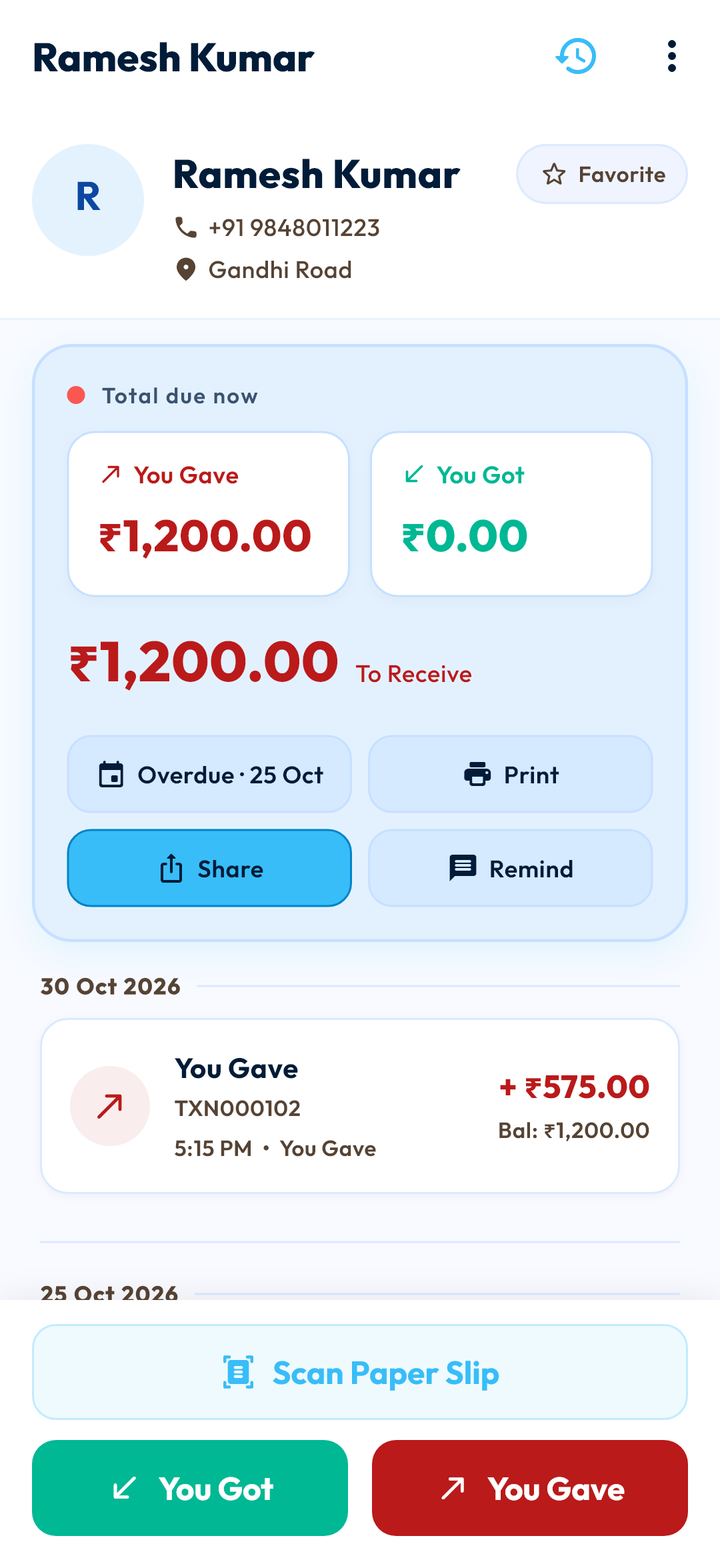
Customer accounts, organised
Track customer dues and payments in one place.
See how it works →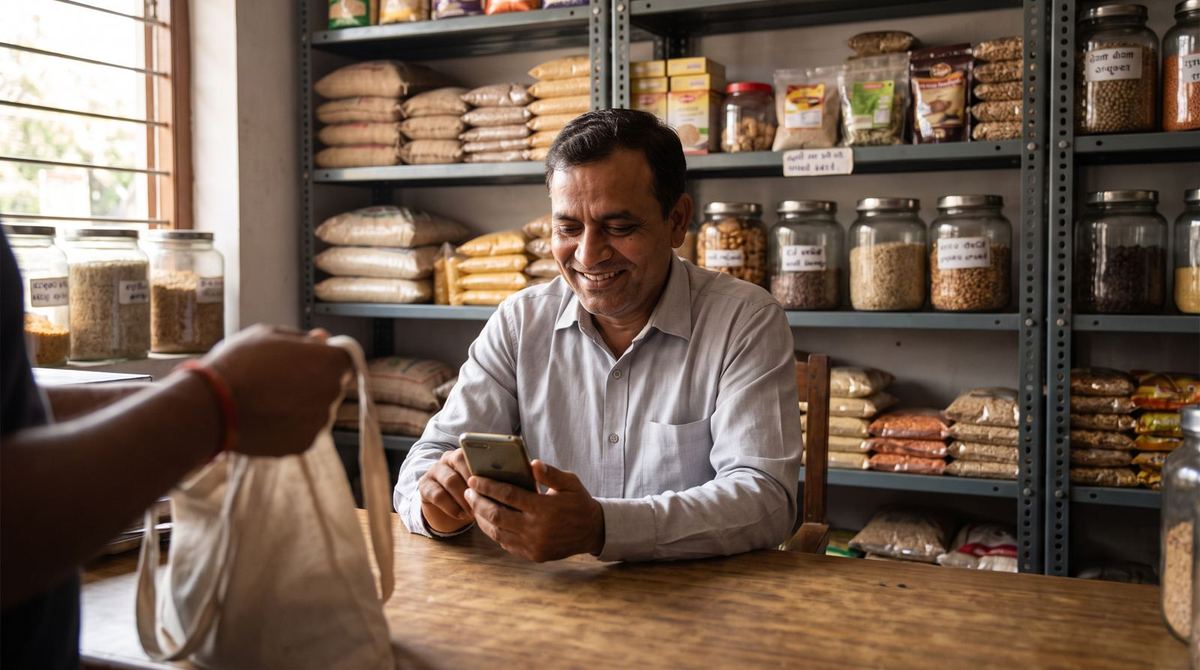
-
Create bills with ease
Record sales and prepare customer bills.
See how it works →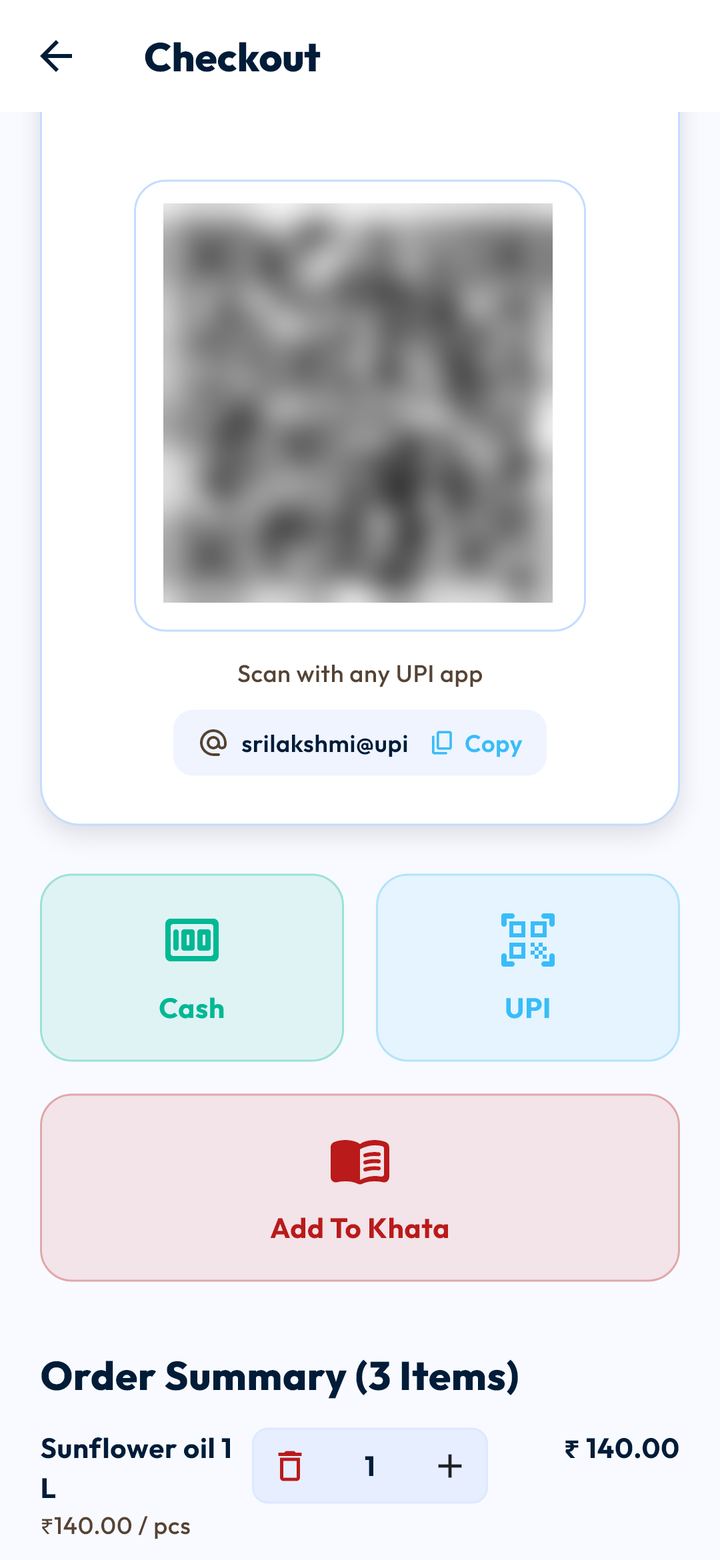
-
Keep track of stock
Manage products and monitor stock levels.
See how it works →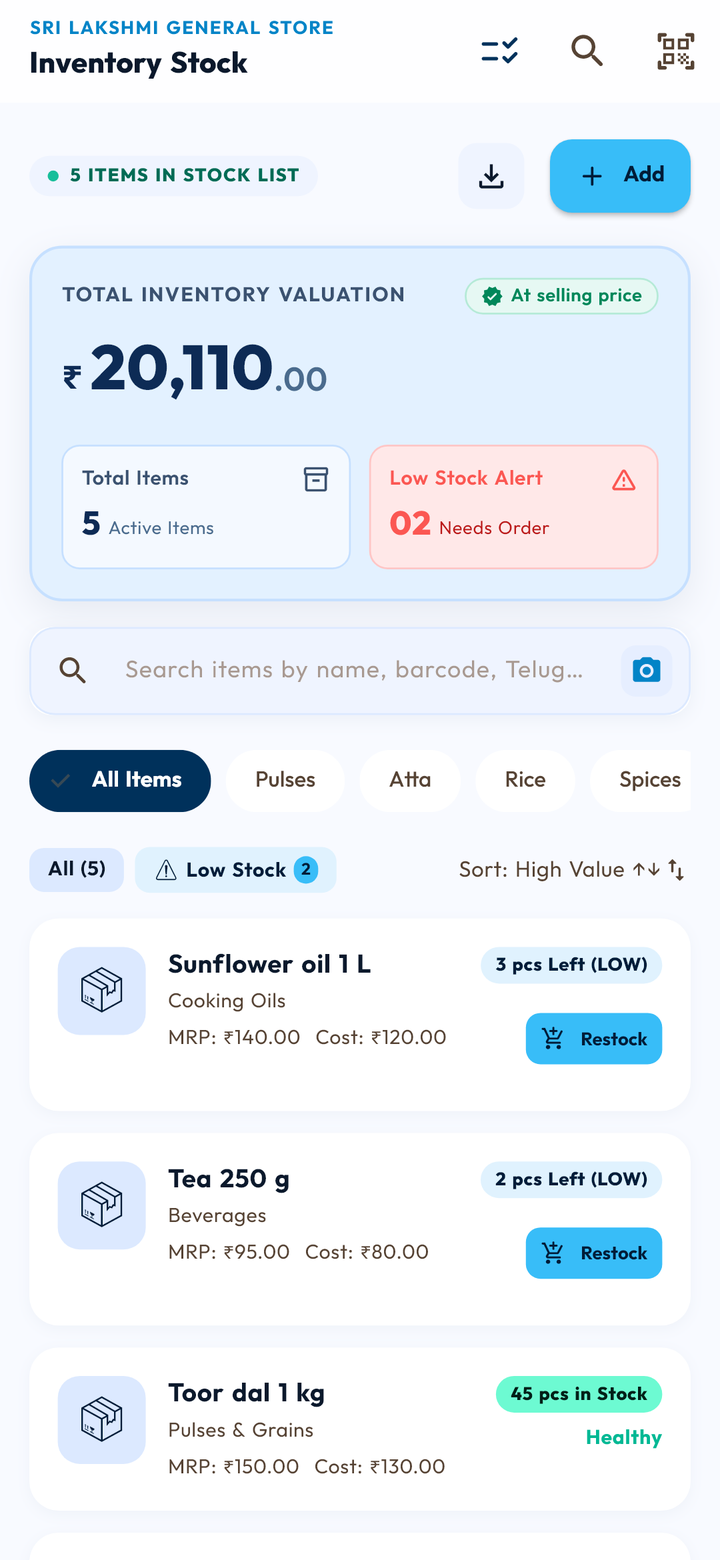
-
Follow your daily cash
Record money coming in and going out.
See how it works →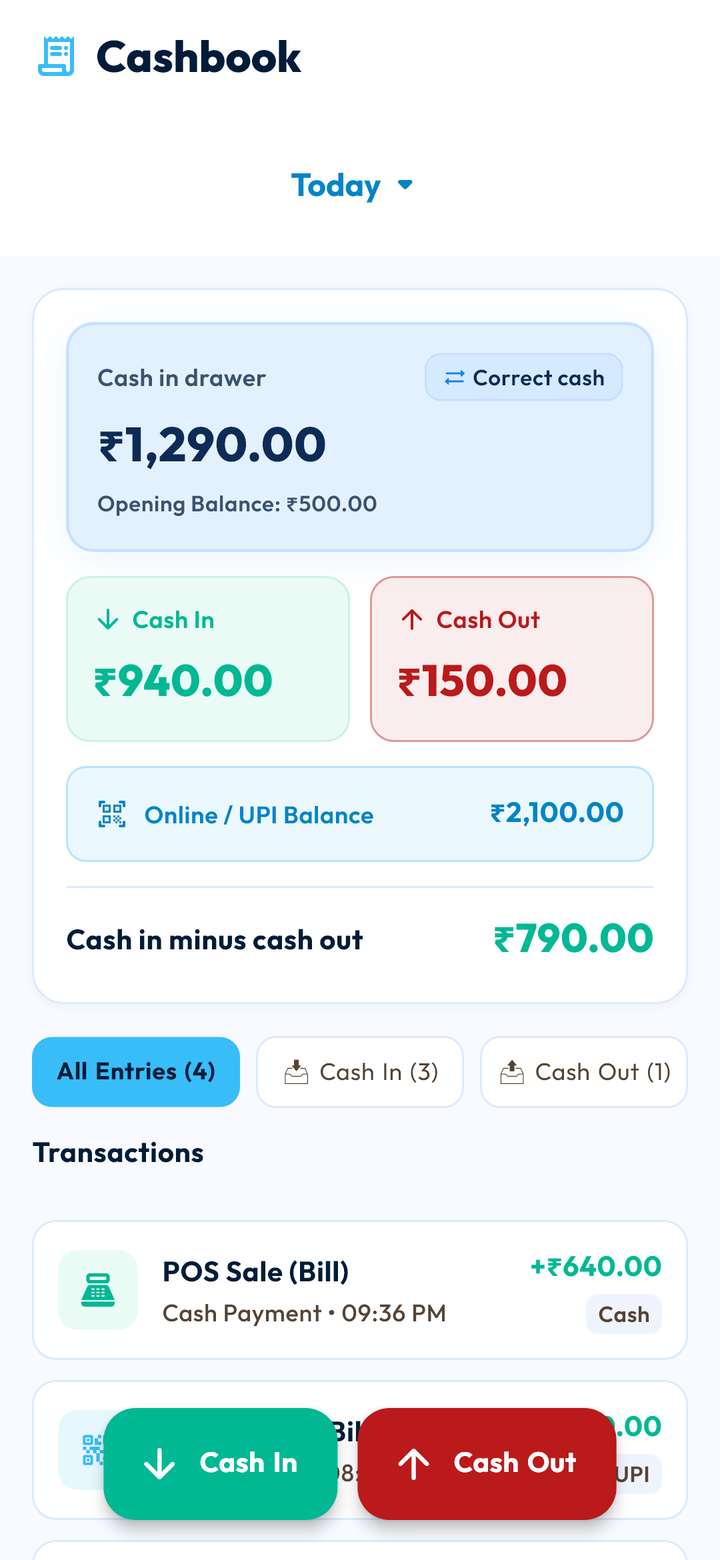
-
Follow up at the right time
Keep payment follow-ups from being forgotten.
See how it works →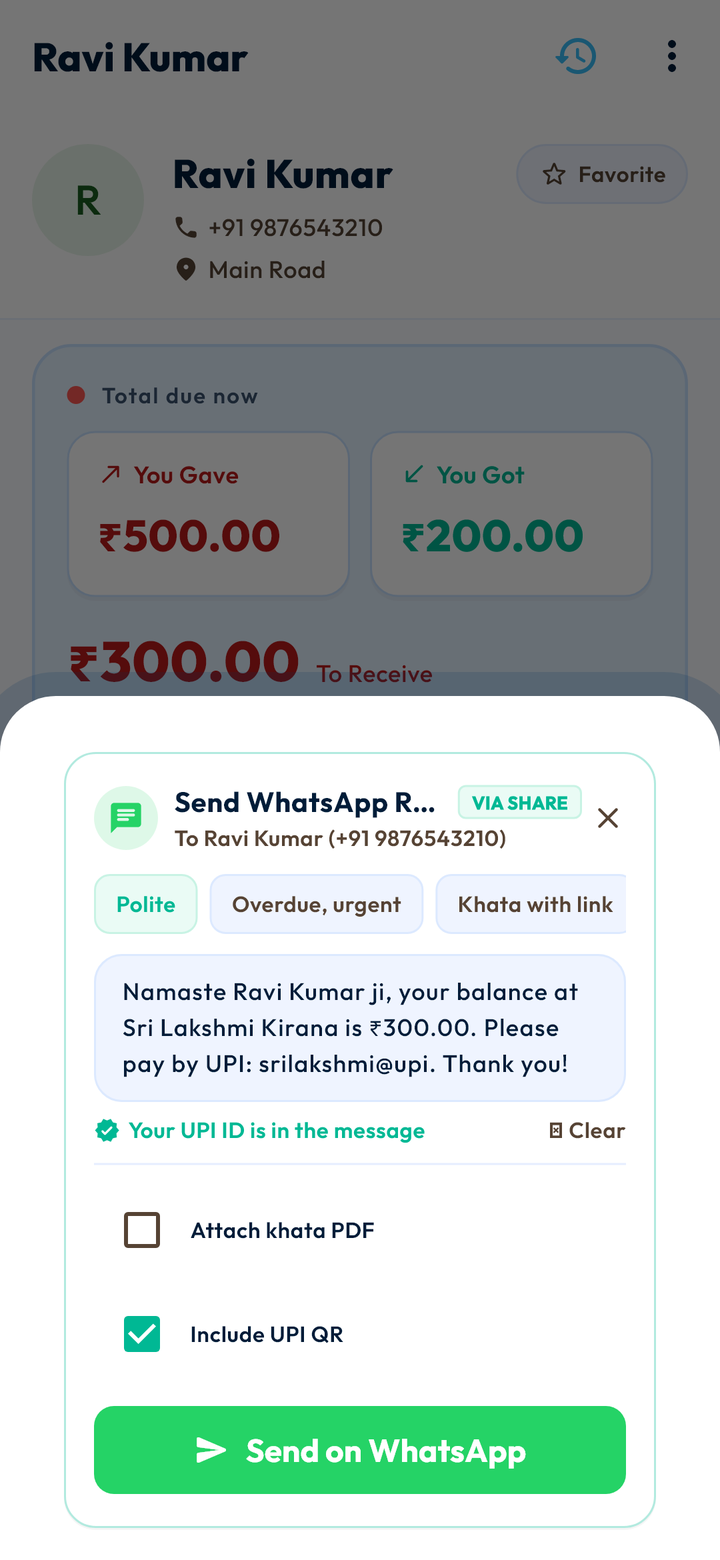
-
Keep staff records organised
Track attendance and salary records.
See how it works →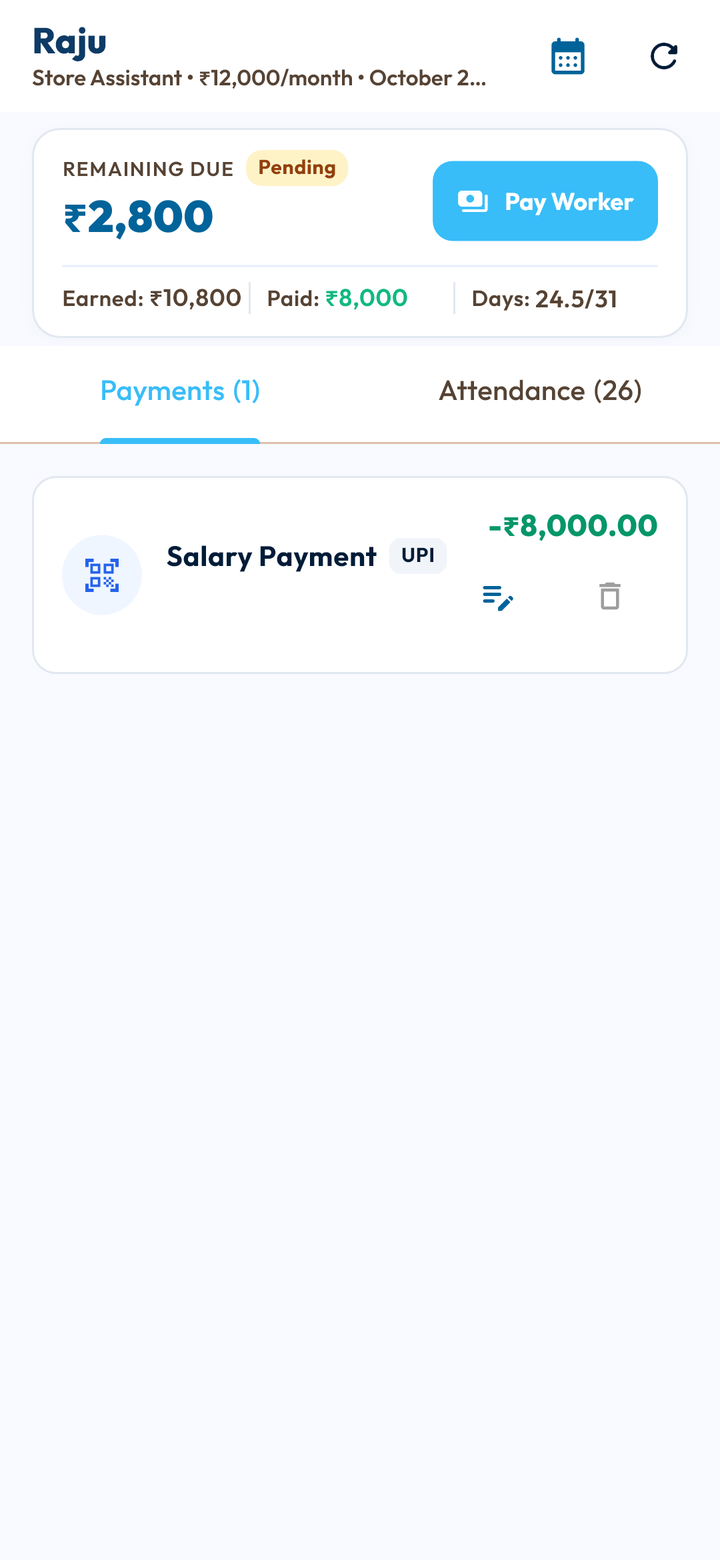
-
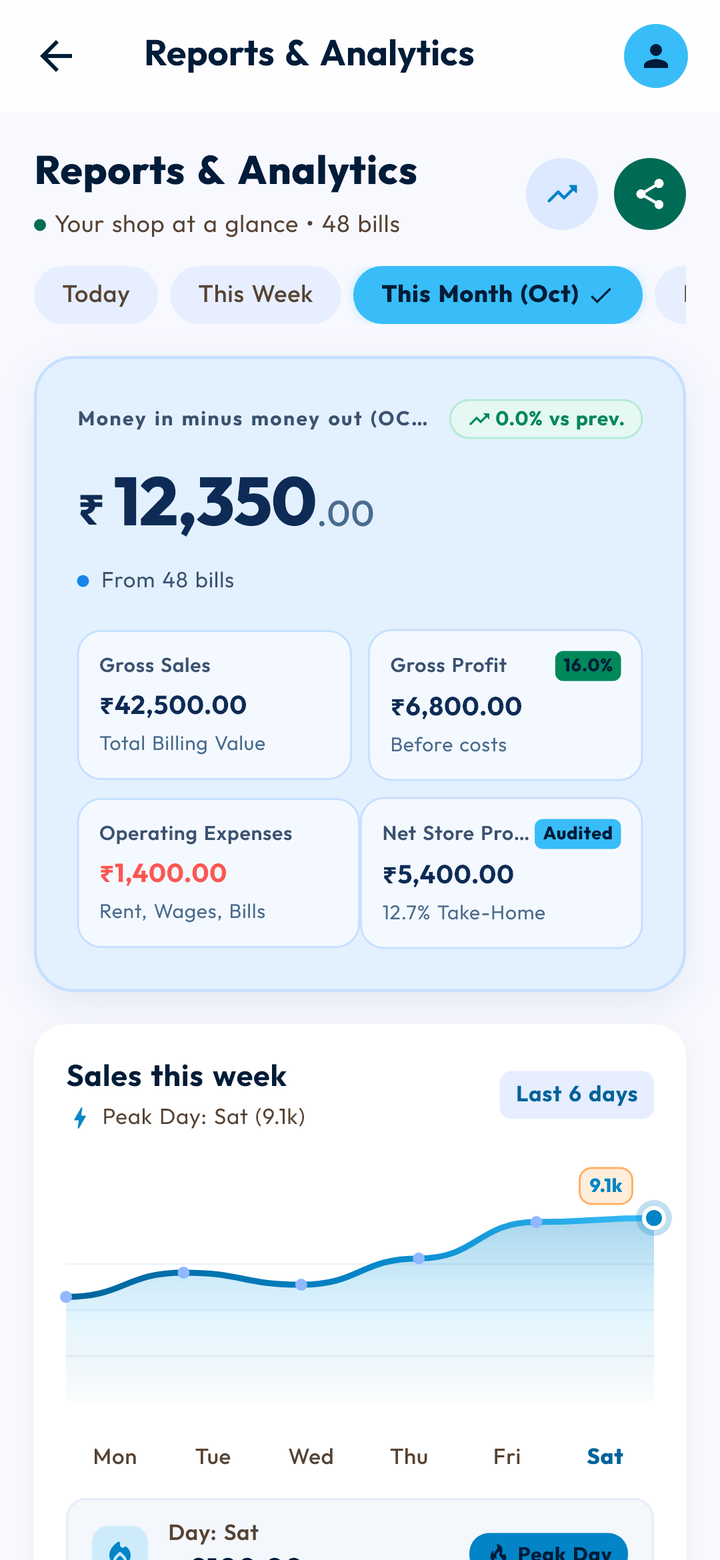
Understand your shop
Review sales, expenses and business activity.
See how it works →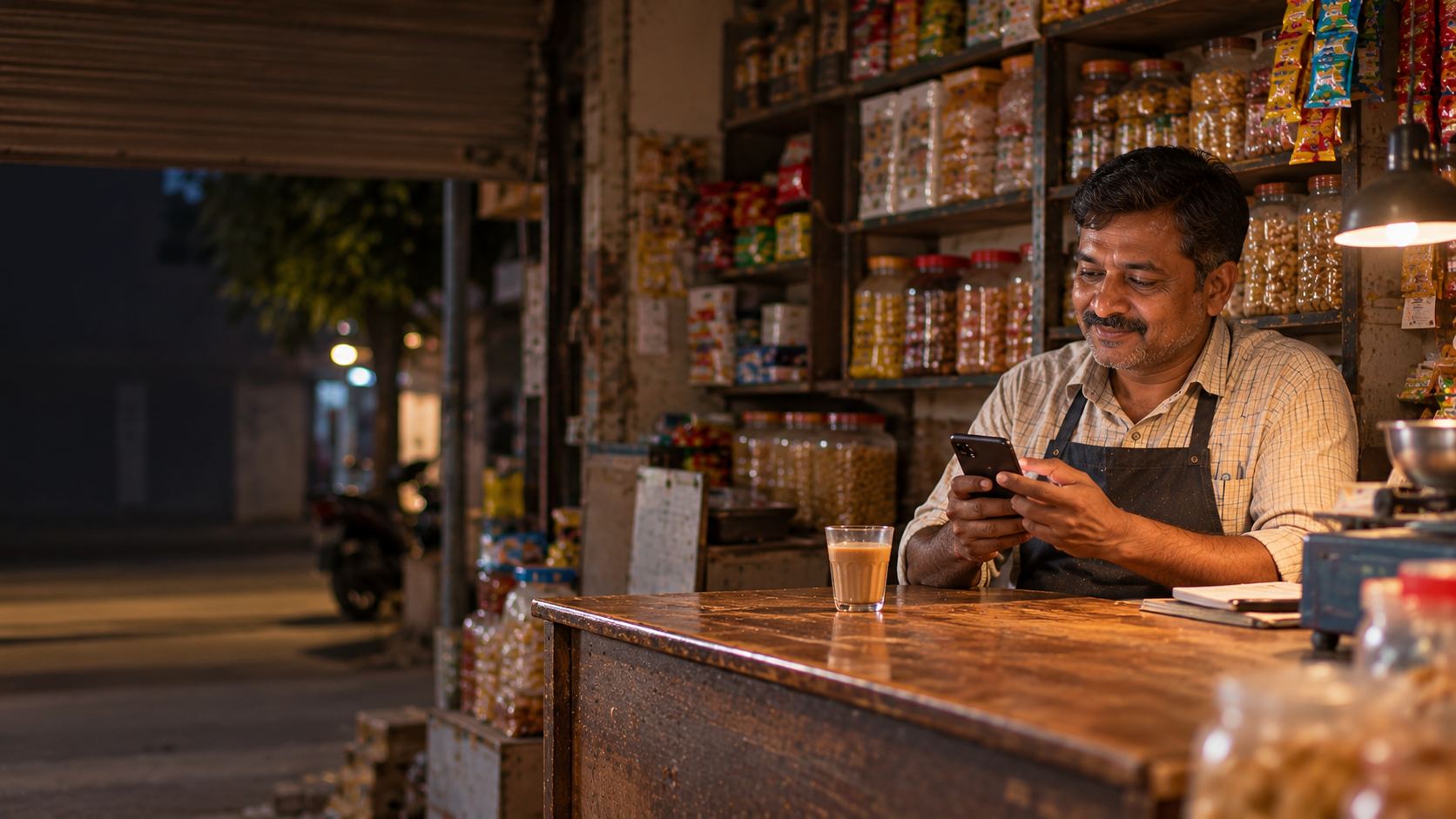


Meet Chinni. Your AI assistant for everyday shop work.
You don't need to search through every screen. Tell Chinni what you want to do in simple language. Chinni can help prepare entries and assist with everyday tasks, while you stay in control.
How an entry gets saved
- You type a request
- Chinni understands it
- It prepares the entry
- You check it
- You tap to save
Getting started doesn't have to be complicated.
Set up your shop
Add your basic business details and prepare your workspace.
Record daily work
Manage customer accounts, bills, stock and everyday entries.
Review your business
Use reports and business records to understand your shop's activity.
Different shops. Different routines. One place to manage the essentials.
- 01General store
- Write credit for regulars, with dates
- Bill with the barcode scanner or a tap
- Collect dues with polite WhatsApp reminders
- Bisro for General store →
- 02Medical store
- Note the batch, MRP and expiry date of each medicine
- Low-stock alerts for medicines you can't run out of
- Send orders to your distributor in writing
- Bisro for Medical store →
- 03Supermarket
- Scan-and-bill checkout on your phone
- Take cash, show your UPI QR, or put it on khata
- Stock goes down by itself as you sell
- Bisro for Supermarket →
- 04Electronics and mobile shop
- Part payments with a running balance
- Print barcode stickers for your own items
- See which items earn the most profit
- Bisro for Electronics and mobile shop →
- 05Clothing and saree shop
- Today's sales report, no slips to add up
- Credit accounts for trusted customers
- Staff attendance and salary in one place
- Bisro for Clothing and saree shop →
- 06Wholesale and distribution
- Each retailer's credit, with a date it's due
- See who is overdue, and by how many days
- Track what you owe your own suppliers
- Bisro for Wholesale and distribution →
Hardware, stationery, bakery and more: if you sell and give credit, Bisro covers the essentials.


Your business records are yours.
Your shop's records should be handled with care and openly. Here is how Bisro stores, protects and uses your information.
Locked with your PIN or fingerprint
If Bisro has been in the background for 5 minutes, it asks again.
Saved to your Bisro account
Your customers and khata entries are kept on Bisro's servers, not only on your phone. On a new phone, sign in with the same number.
Deleted by mistake? 30 days to undo it
Deleted entries and customers wait in a Recycle Bin for 30 days.
Not for sale
Bisro doesn't sell your data or your customers' data. The privacy policy names every service that handles it.

Questions
What is Bisro?
An Android app for shop owners. It keeps your customer khata, bills, stock, cashbook, reports and staff records in one place, with Chinni, an AI assistant, to help.
Which types of businesses can use Bisro?
General stores, supermarkets, medical stores, electronics, clothing and wholesale shops, and any shop that sells and gives credit. At sign-up you choose your shop type and whether you sell retail or wholesale.
What can I manage with Bisro?
Customer khata and WhatsApp reminders, bills, stock, the cashbook and expenses, suppliers and purchase lists, reports, and staff attendance and salary.
Does Bisro work in Indian languages?
Yes: Telugu, Hindi and English. The whole app works in any of them, and you can switch any time.
Can I use Bisro without internet?
Yes, for everyday work. Khata entries, bills, the cashbook, staff and supplier entries work offline and are sent when you're back online. Chinni needs internet.
What is Chinni AI?
Bisro's AI assistant. Type what happened, like “Ramesh paid ₹500”, and Chinni prepares the khata entry. Ask it about your sales or who owes you, and it answers from your own records.
Does Chinni save entries by itself?
No. Chinni shows you every entry on one card and saves only when you tap Write it or Do all. You can undo it straight after.
How does Bisro handle my data?
Your records are saved to your Bisro account and sent over an encrypted connection. Bisro doesn't sell your data. The privacy policy explains what is stored, where, and for how long.
How can I get help?
Open Help inside the app, or write to support@bisro.in.
Is Bisro free?
Bisro is free to download.
Why isn't Bisro on the Play Store?
It's on its way to Google Play. For now, Bisro is downloaded from bisro.in. Android asks you to allow the install once, and we show you how.
Make your shop's daily work easier to manage.
Bring your everyday business records together with Bisro. Start with the tools your shop needs and explore a more organised way of working.